How to Look Up an LLC in Connecticut (2026)

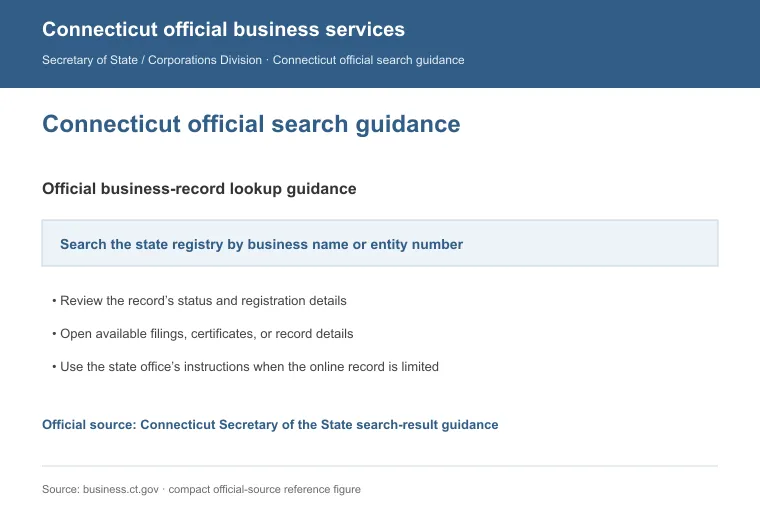
To look up an LLC in Connecticut, use the Business Records Search tool run by the Secretary of the State's Business Services Division. It's free, and you don't need an account to run a search.
You can search by the business name, its ALEI (the state's business ID number) or its filing number, depending on what you already have on hand.
This guide walks through each search option, what shows up on a result and who to contact if the online tool doesn't answer your question.
Quick Summary
- The Business Services Division's Business Records Search is the state's own record, so check it directly instead of a third-party lookup site.
- The search box itself only accepts a business name, ALEI or filing number. Principal and agent names appear as result fields instead.
- Call or email the Business Services Division when the search tool can't answer your question.
How to Search Connecticut's Business Records
Connecticut's LLC and corporation records live on the Secretary of the State's Business Records Search, part of the Business.CT.gov portal. Every search method below starts from that same tool.

| Search Method | What to Enter | Best For |
|---|---|---|
| By business name | The company name, full or partial | General lookups on a known name |
| By ALEI (business ID) | The state-assigned Authoritative Legal Entity Identifier | An exact match when you already have the ID |
| By filing number | The Secretary of the State filing number | An exact match when you already have the number |
1. Search by Business Name
Type the company's name into the search box and run the search. This is the quickest way to check whether a name is already taken before you start an LLC in Connecticut, and it also works well if you only know the business loosely by its name.
An advanced search option lets you narrow the results by entity type, so you can filter down to limited liability companies if a common name pulls up too many matches.
2. Search by ALEI or Filing Number
If you already have the entity's ALEI or its filing number, enter it directly for an exact match. Connecticut assigns the ALEI when an LLC first registers. This route skips the name-guessing entirely once you have either number in hand.
What You'll See on the Results Page
Open a result and you'll see the business name, its Business ID, its principal, its agent, the date it was formed, its entity type and its street address.
A certificate of organization must list the company's registered agent along with the name of at least one manager or member, which is why that information becomes public once the LLC files [1]. If you're choosing an agent for a new LLC rather than looking one up, compare registered agent services in Connecticut before you file. Recent annual reports are available as a downloadable PDF from the results page.
Most filed documents can be downloaded from the results page for free. An official plain copy costs $40 per document. A certified copy costs $55 and has to be requested through your Business.CT.gov account.
Contact the Business Services Division
For anything the online search doesn't answer, the Business Services Division takes calls and emails directly during its posted business hours. Reach the division at:
- Phone: (860) 509-6002
- Email: [email protected]
- Hours: Monday through Friday, 8:30 a.m. to 4:00 p.m.
Call when you want to talk through which search field will surface the record you need. Email works better when you want a written answer on file.
Reasons to Search Before You File
A quick search before you file protects you in a few concrete ways, from confirming a name is genuinely free to confirming a company is still active:
- Confirm the name is available: search first so you don't build a brand around a name that's already registered to someone else.
- Confirm the business is on record: a search shows an LLC's registered status, its agent and its filing history before you sign a contract or extend credit.
- Check before you close one down: if you're winding down a Connecticut LLC, search first to confirm its ALEI and registered agent match your own records.
This same search process works in any state, not just Connecticut. See our guide to looking up an LLC if the business you're checking is registered somewhere else.
FAQs
Is There a Fee to Search for a Connecticut LLC?
No, searching for a Connecticut LLC on Business Records Search doesn't cost anything, and you don't need an account first. Fees only apply if you order an official plain or certified copy afterward.
Can I Search a Connecticut LLC by the Registered Agent's Name?
No, only a business name, ALEI or filing number works in the search box. An agent's name shows up once you open a result. It isn't a field on the search form itself.
How Do I Get an Official Copy of a Connecticut LLC's Filing?
Most filings can be downloaded free straight from your search result. An official plain copy runs $40 per document, and a certified copy runs $55. Only the certified version requires you to log into a Business.CT.gov account to place the request.
Why Isn't My Connecticut LLC Showing Up in a Search?
A Connecticut LLC search can come up empty if the name doesn't match exactly. Try searching with just part of the name, or switch to the entity's ALEI or filing number. Call the Business Services Division if neither works.
References:
- https://www.cga.ct.gov/current/pub/chap_613a.htm